Reminders that arrive on time.
Each shift with its own alarms: an hour before mornings, ninety minutes before nights. On holiday? Pause them with one tap.
- Morning · 06:00
- Night · 21:30
- Paused until 7 January


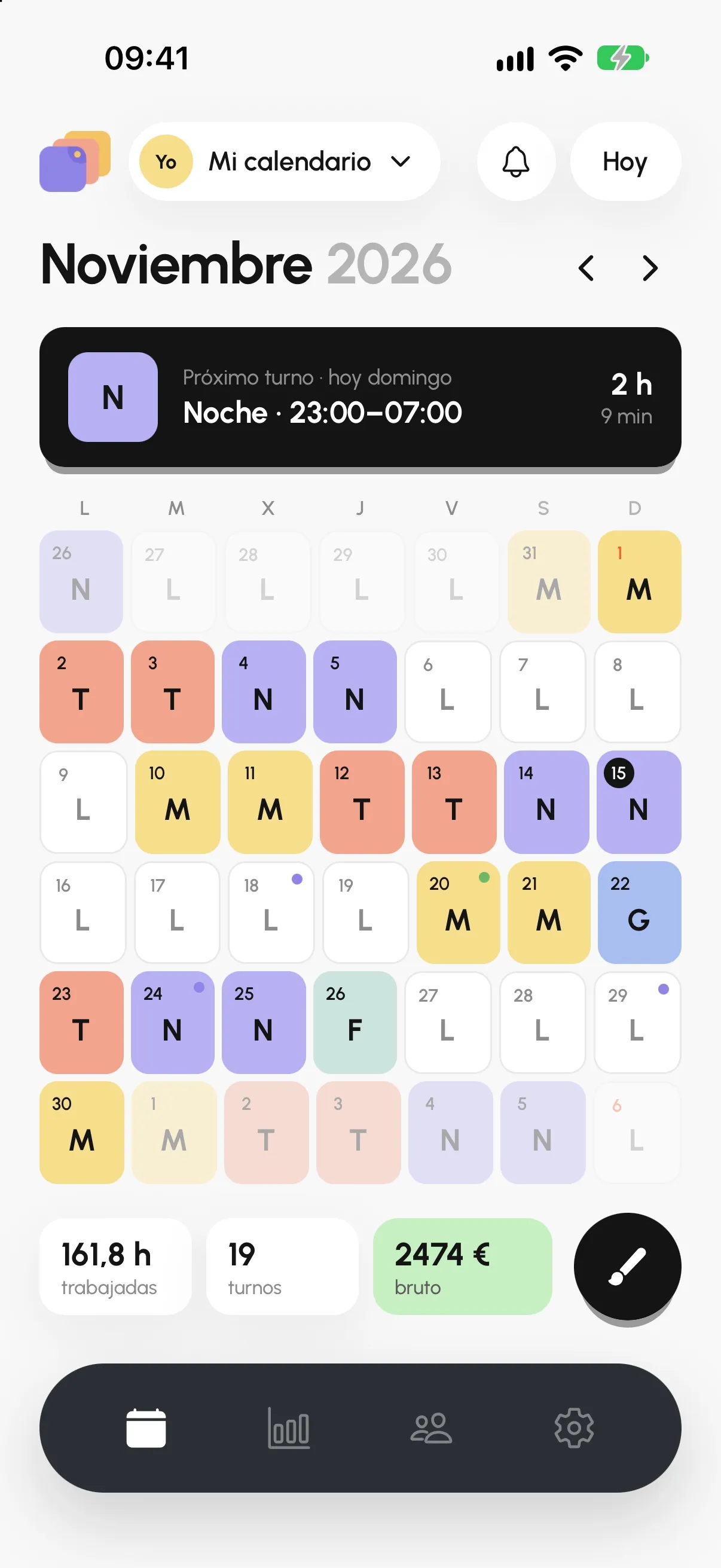
Ondays fills your calendar with your rotation, reminds you before every shift and tells you how much you will earn. No account, no ads, no connection needed.

Name, hours, colour and a letter. Tell us where you work and we suggest the usual shifts for your sector so you can start right away.
Healthcare · Hospitality · Industry · Retail · Security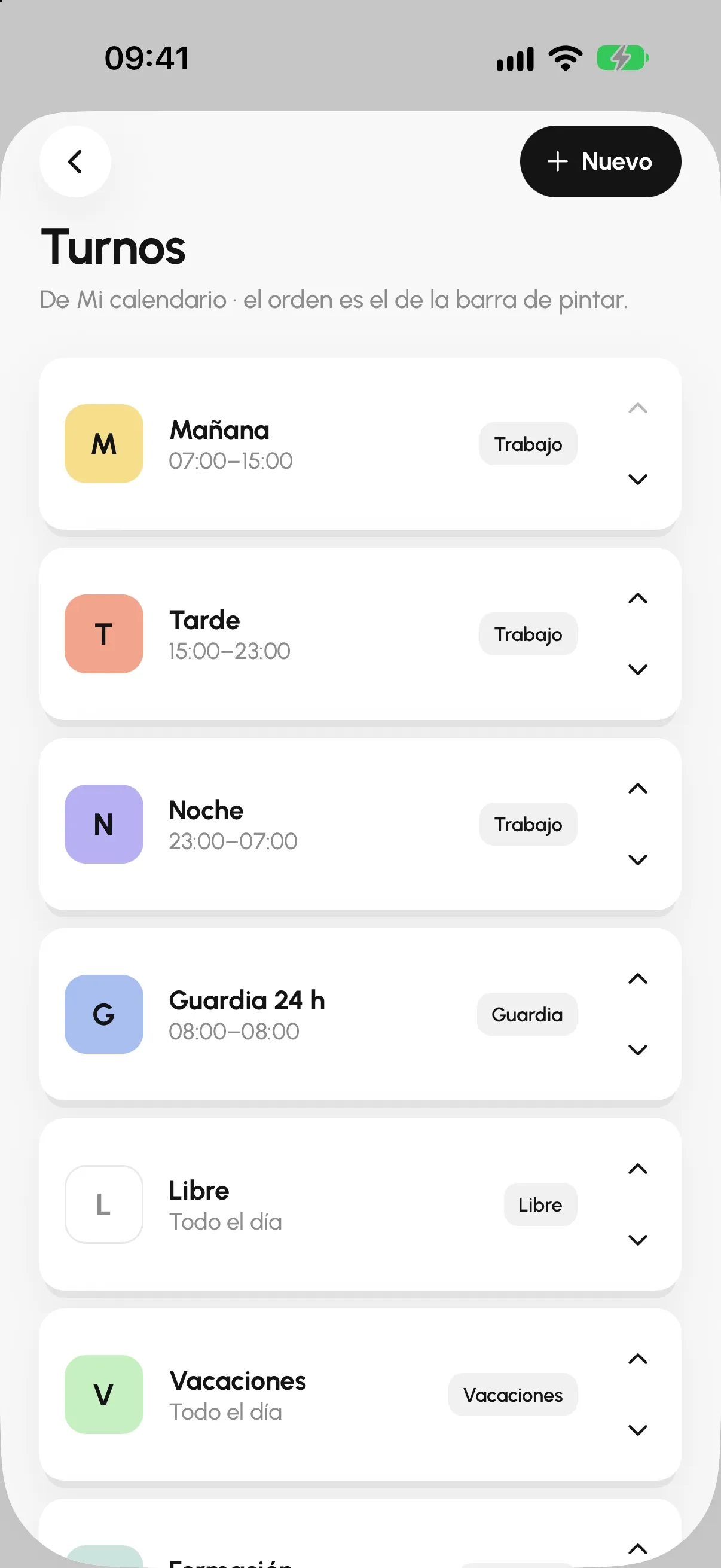
4×4, 5×2, Morning-Afternoon-Night, 24×48… Pick a template or draw your own sequence, and Ondays fills whole months for you.
9 ready-made templates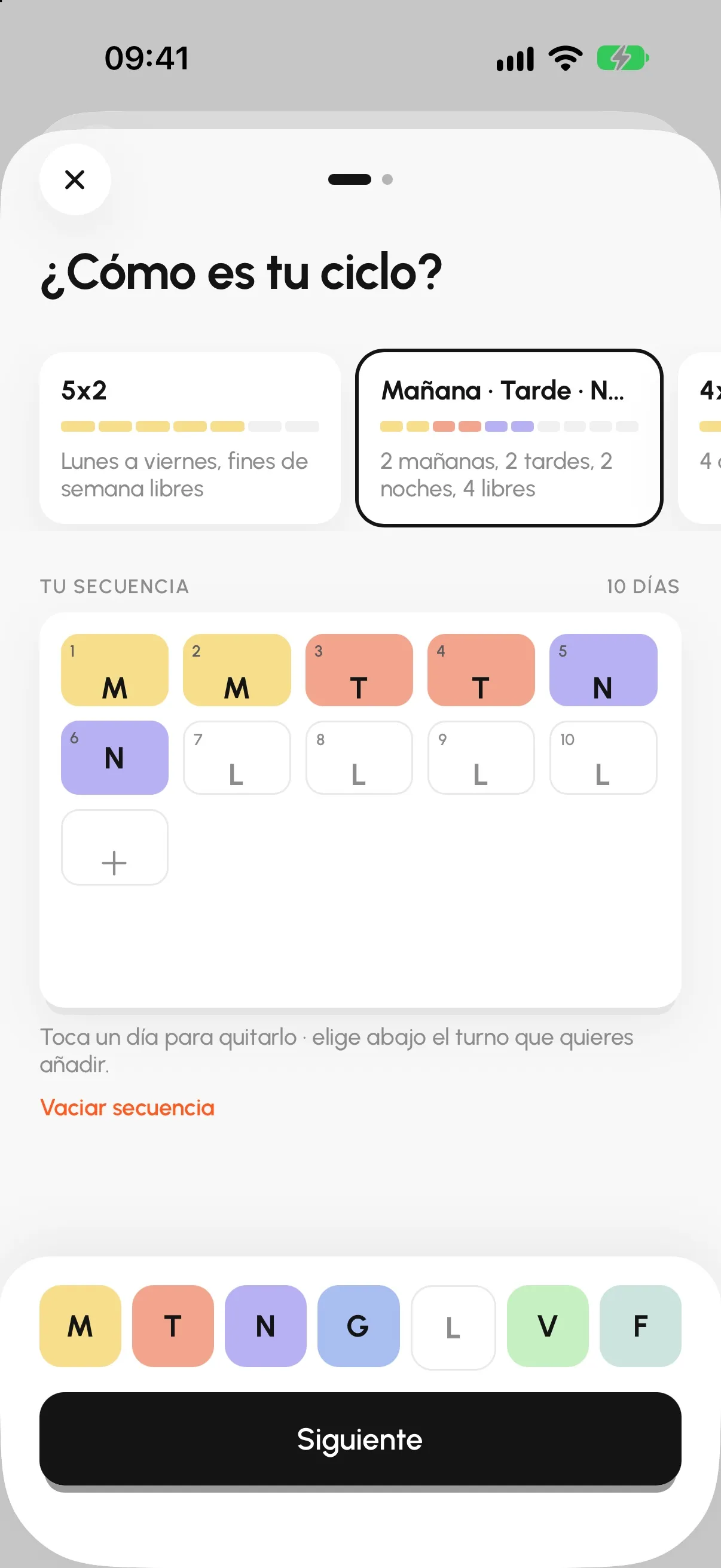
Got a day moved? Pick the shift and tap. With auto-advance every tap jumps to the next day. Made a mistake? Undo.
Tap · drag · undo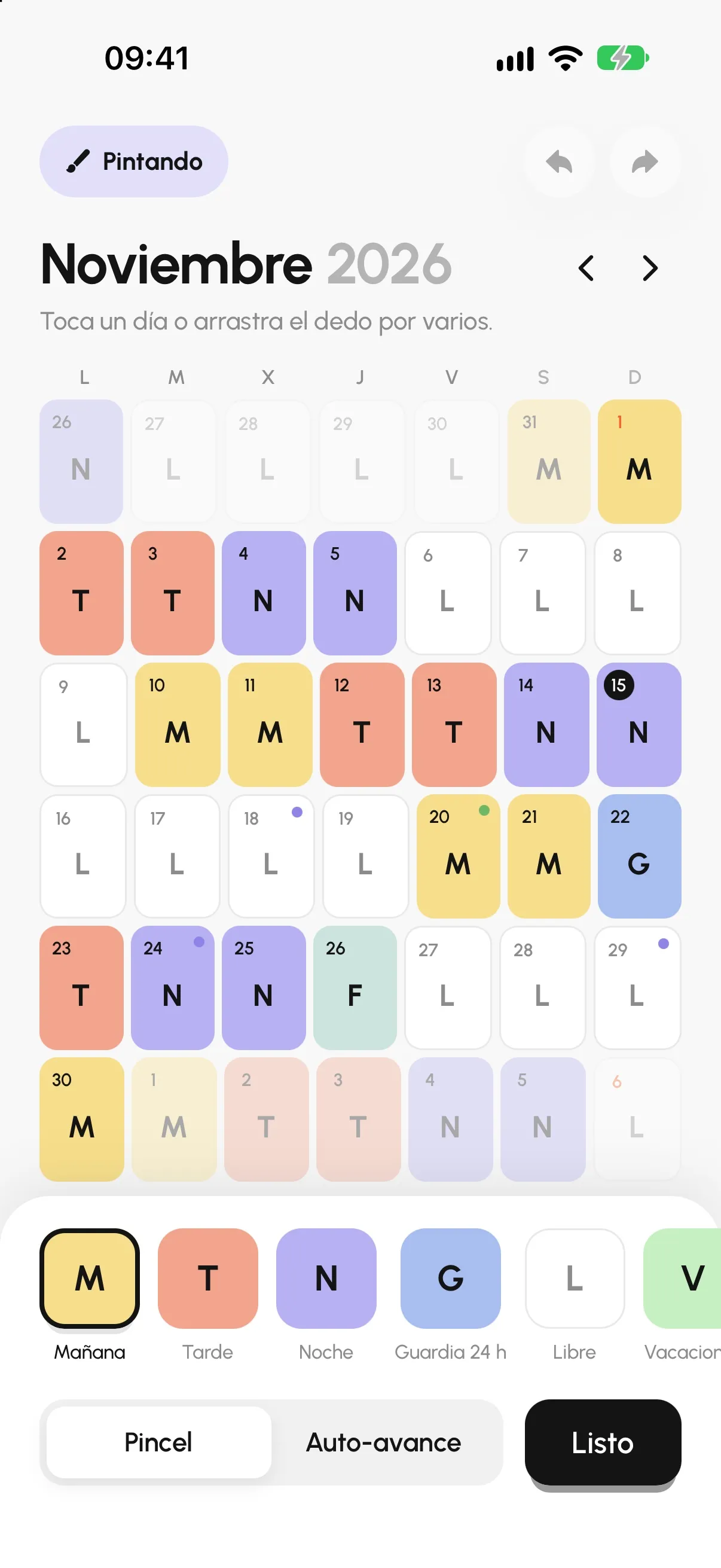
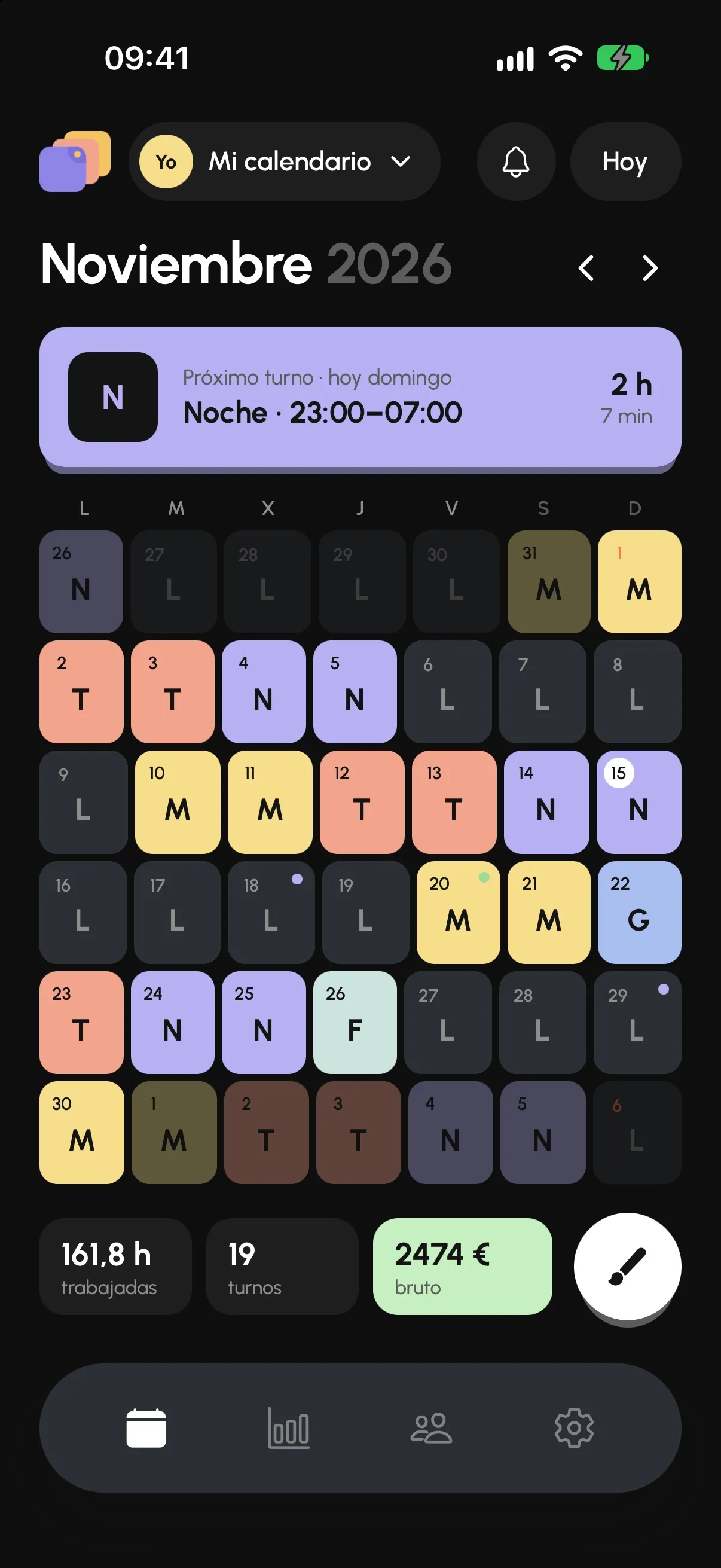
Ondays always opens on your month, with your next shift and a countdown. Open, look, close. That fast.
The calendar is home Pick a pattern and watch your calendar fill itself. Days you change by hand are always kept.
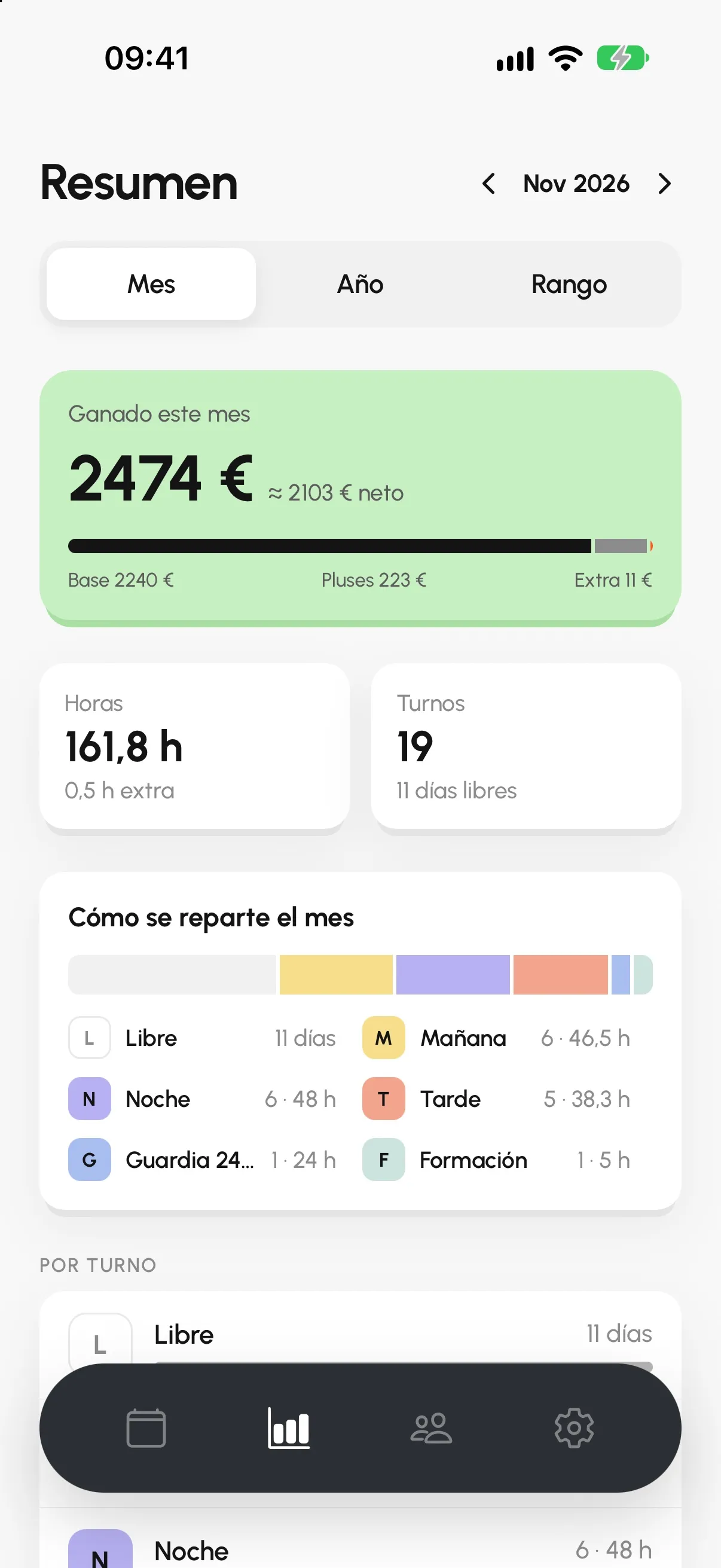
Base rate, night, weekend and bank-holiday premiums and overtime, each with its own rate. Ondays adds up the hours you actually worked, not the ones on the rota.
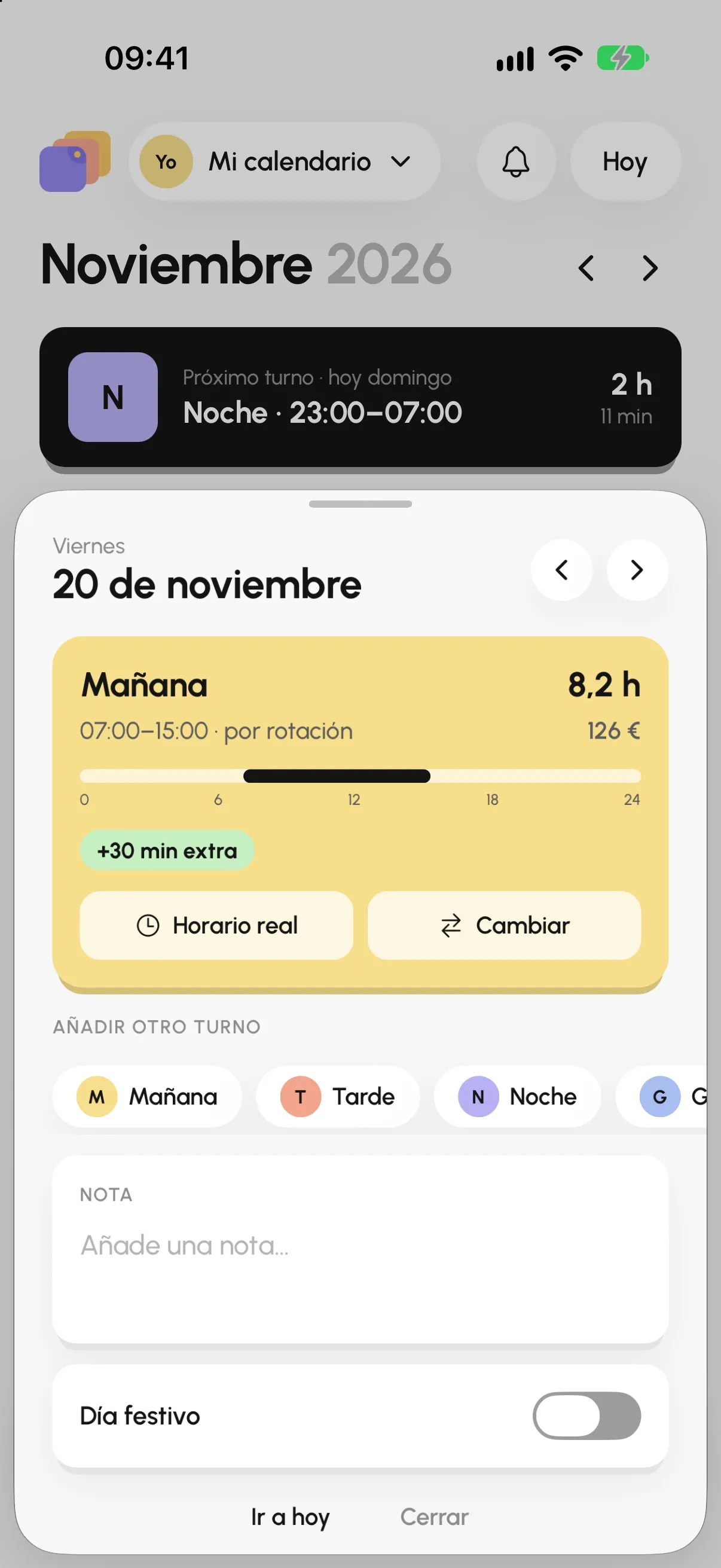
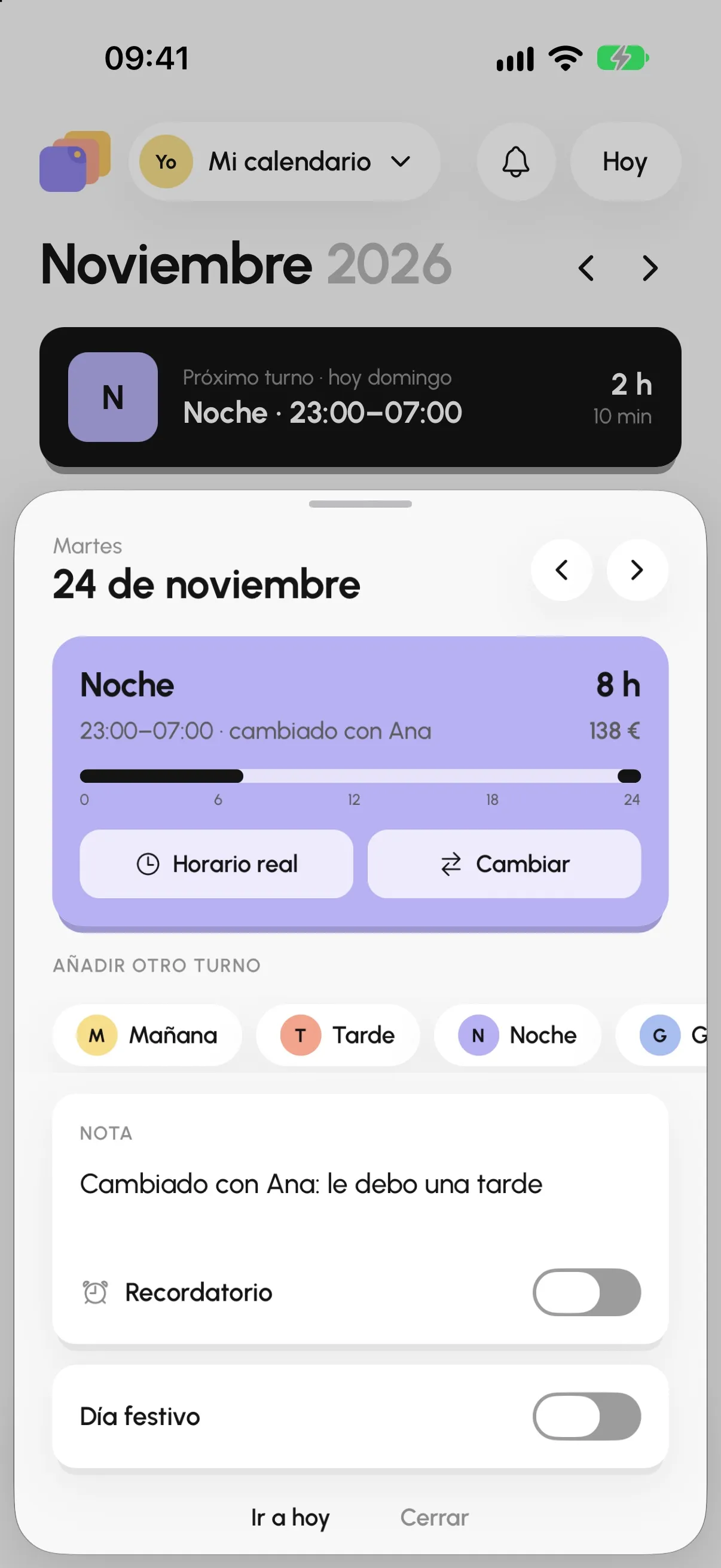
Actual hours, overtime, who you swapped with and a note with a reminder. All in a sheet that opens with one tap.
Your partner, your family or your team scan the code and see your shifts instantly. You decide who can only look and who can edit.
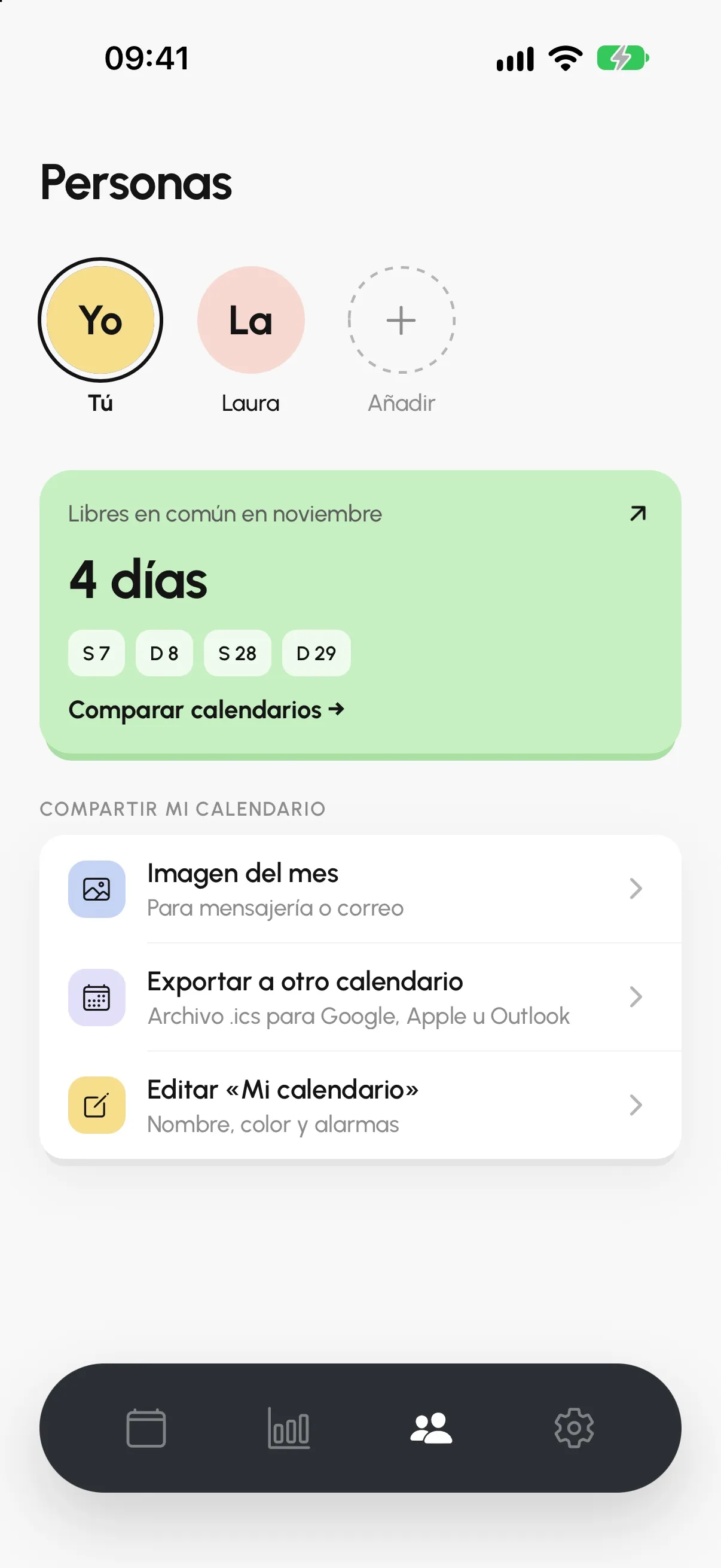
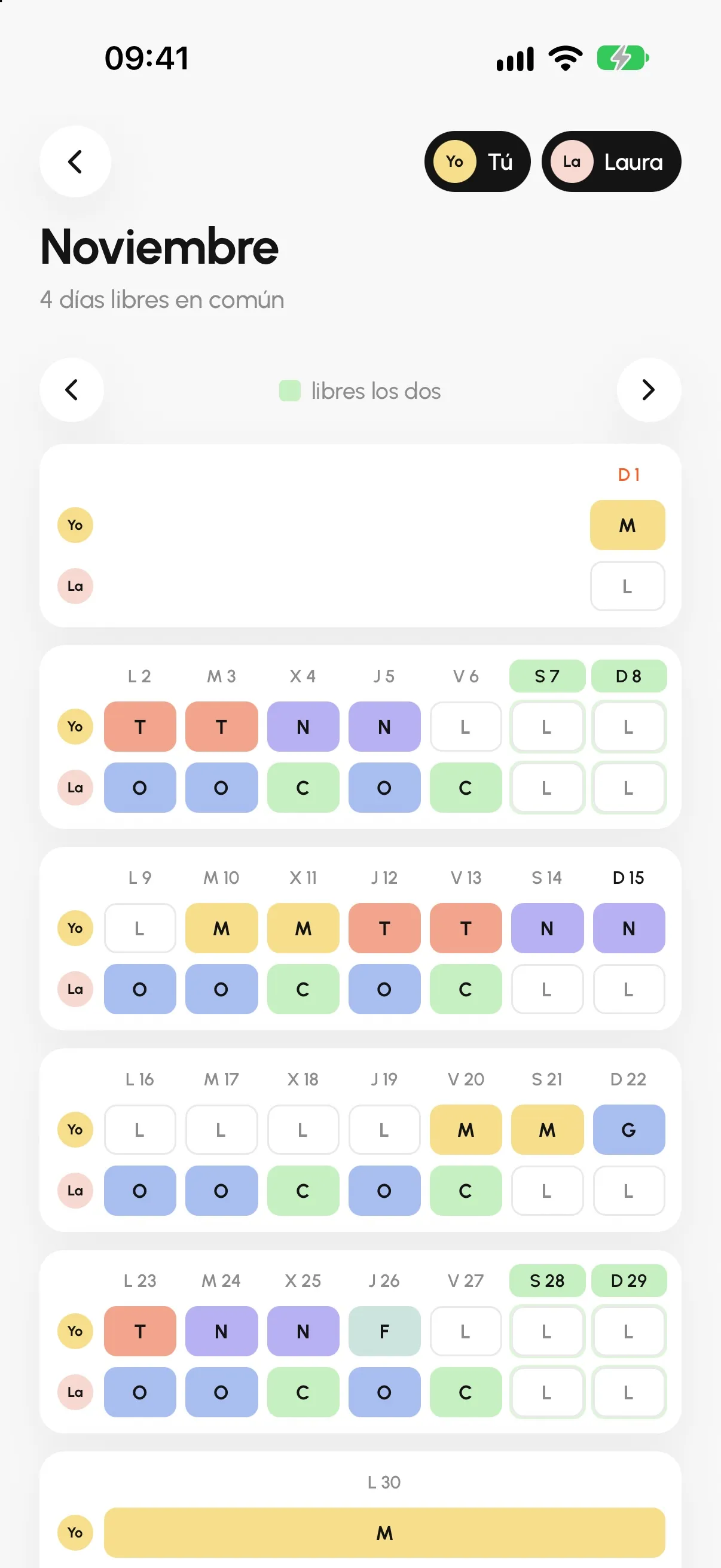
Put your calendar next to your partner’s, your family’s or your team’s and Ondays shows the days, weekends and long weekends you all have off. Plus how many hours you get together even on working days.
Each shift with its own alarms: an hour before mornings, ninety minutes before nights. On holiday? Pause them with one tap.
Light, dark or automatic theme. Slide to compare.
Ondays works without an account and keeps everything on your phone. Only what you choose to share ever leaves it.
Read the privacy policy Free for iOS and Android. No sign-up.